ux research
ui design
product designer
client
kingHost
role
Product Designer
DURATION
4 sprints
Tools
Figma, Miro, Clarity & Forms
How I reduced churn by 5% and incidents by 31% through data-driven UX improvements
The challenge
The Social Media Manager faced a critical scenario: despite a strong volume of new customers (bookings), churn rates were high and consistently increasing. There was no clear understanding of why users were leaving, as the product lacked structured feedback collection at the moment of cancellation and did not have robust behavioral analytics tools in place.
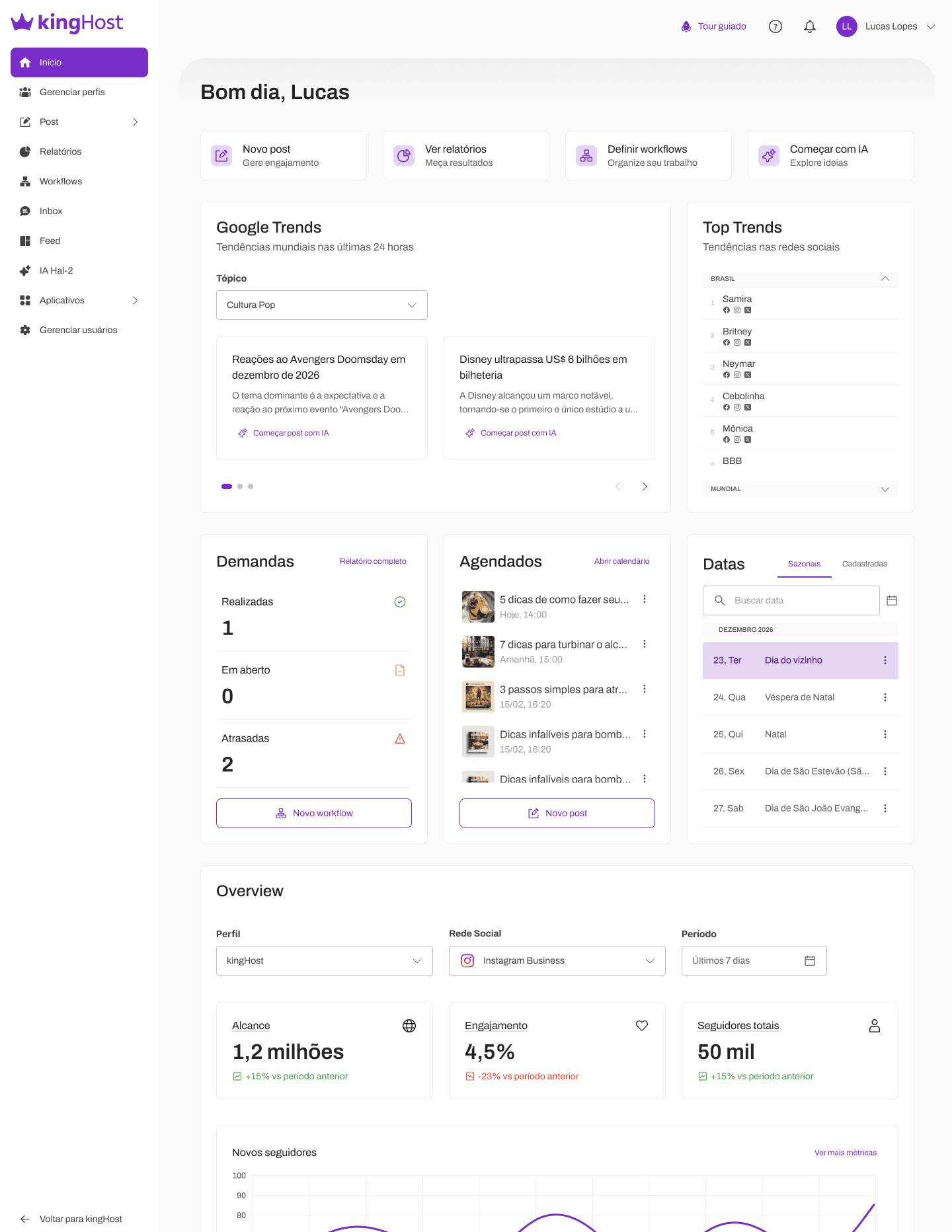
Additionally, the interface was outdated, with inconsistent visual patterns and unintuitive flows, increasing user friction.
The main challenge was to understand the root causes of churn and identify opportunities to improve the experience, increase retention, and enhance perceived value.
Researching
Research project
To move beyond assumptions and understand the rising churn rates, I initiated a structured UX Research project. The goal was to transform technical debt and user frustration into actionable insights for retention.
I began by defining a clear research framework to ensure every effort contributed to a holistic understanding of the problem:
General objective: How might we identify the root causes of increasing churn and uncover strategic opportunities to enhance user retention and value?
Specific objectives:
Exploratory
Descriptive
Explanatory
CSD Matrix
Before diving into data collection, I used a CSD Matrix (Certainties, Suppositions, and Doubts) to align existing knowledge and prioritize our investigation fronts.
Investigation fronts
With the research goals and matrix established, I conducted a deep dive across four complementary fronts:
Direct feedback collection: We implemented a cancellation modal to capture the "why" behind the churn;
Behavioral analysis: Using Microsoft Clarity, I analyzed session recordings and heatmaps to observe real-world usage;
User journey mapping: I mapped the "As-Is" user journey. This allowed me to visualize the emotional state of the user and pinpoint the exact moments of friction that led to churn.
Market benchmarking: I conducted a competitive analysis of 8 platforms to evaluate their onboarding and visual quality.
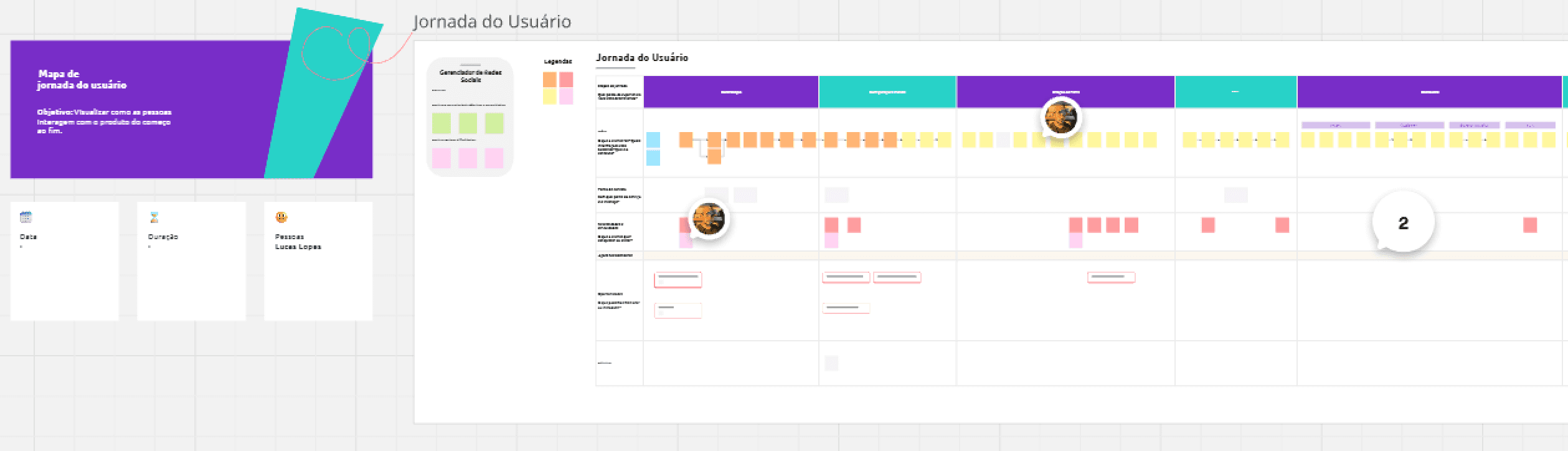
User journey mapping

Benchmarking
Insights and Opportunities
Connecting the dots
While the cancellation survey was running, I focused on building a deeper understanding of user friction by combining behavioral data, journey mapping, and market analysis.
By triangulating these sources, I was able to move beyond isolated signals and identify consistent patterns in user behavior.
The user journey mapping, combined with benchmarking insights, revealed a critical misalignment in the early experience, where a significant percentage of users dropped off before even testing the platform’s main functionality: they never completed the initial step of integrating their social media accounts.
Session recordings in Microsoft Clarity reinforced this finding, showing hesitation, confusion, and abandonment during the onboarding phase.
At the same time, the competitive analysis showed that other platforms were much more effective in guiding users toward this activation step, both through clearer flows and stronger visual cues.
The core issue was not feature quality or lack of functionality: it was a failure to drive activation. Users were churning not because the product didn’t deliver value, but because they never reached the moment where that value becomes clear.
Opportunities defined
Based on these insights, I identified key opportunity areas to improve activation and reduce churn:
Guide users toward the “aha moment” faster
Redesign the onboarding experience to prioritize social media integration as the first and most obvious action.Reduce friction in the initial setup
Simplify the integration process and remove unnecessary steps or cognitive load.Align onboarding with user expectations
Bridge the gap between what users expect upon entry and what the product requires from them.
Challenge
Before jumping into ideation, I’d like you to experience the product from a new user’s perspective.
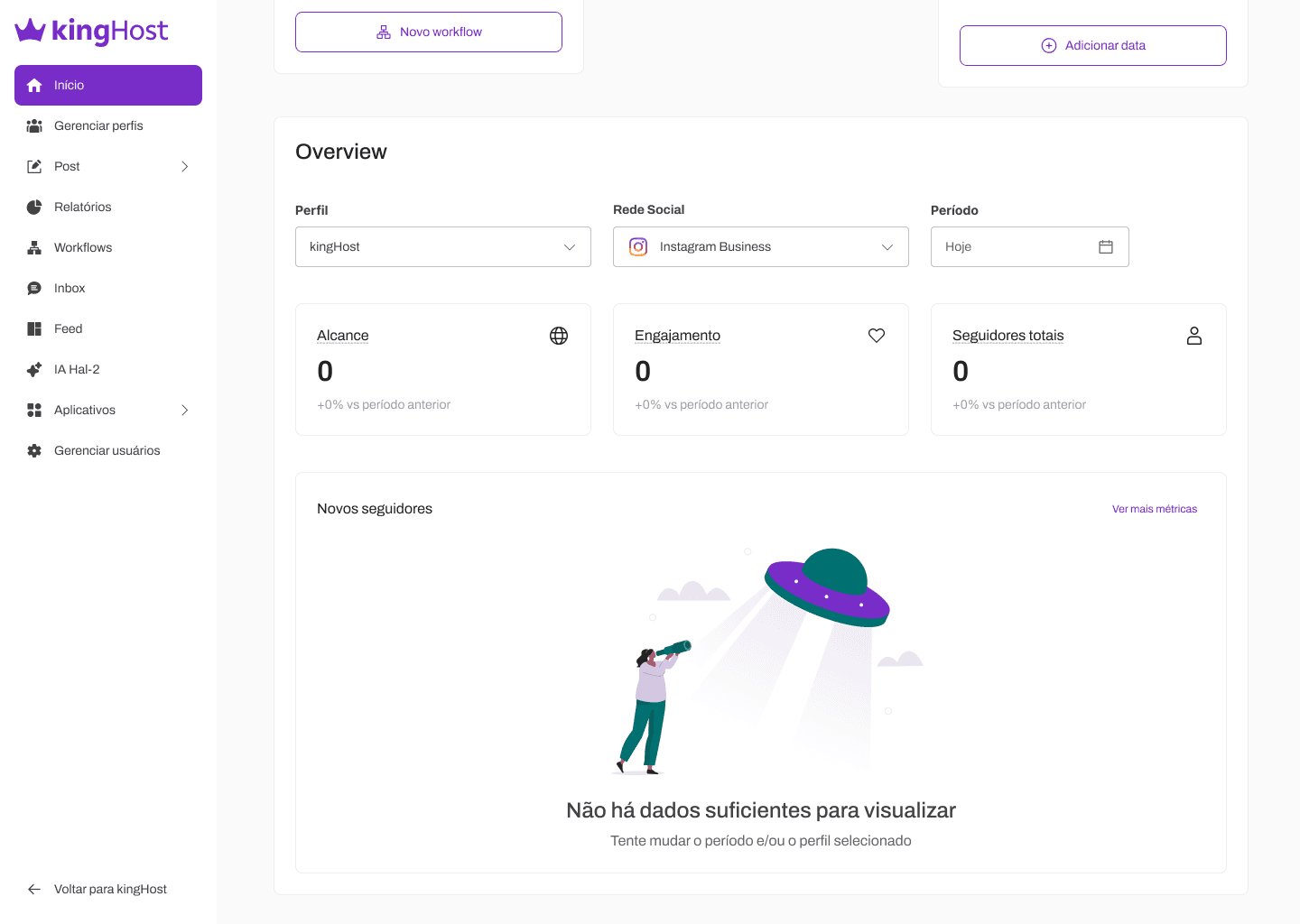
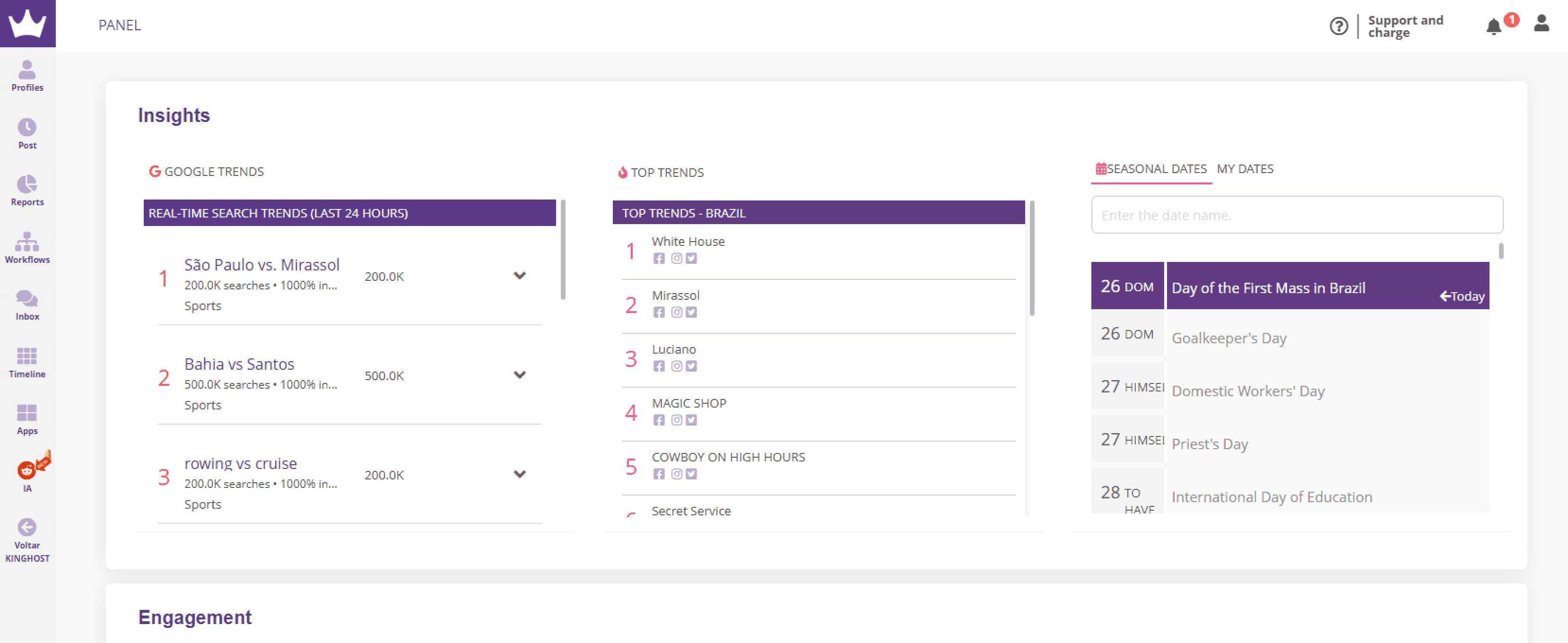
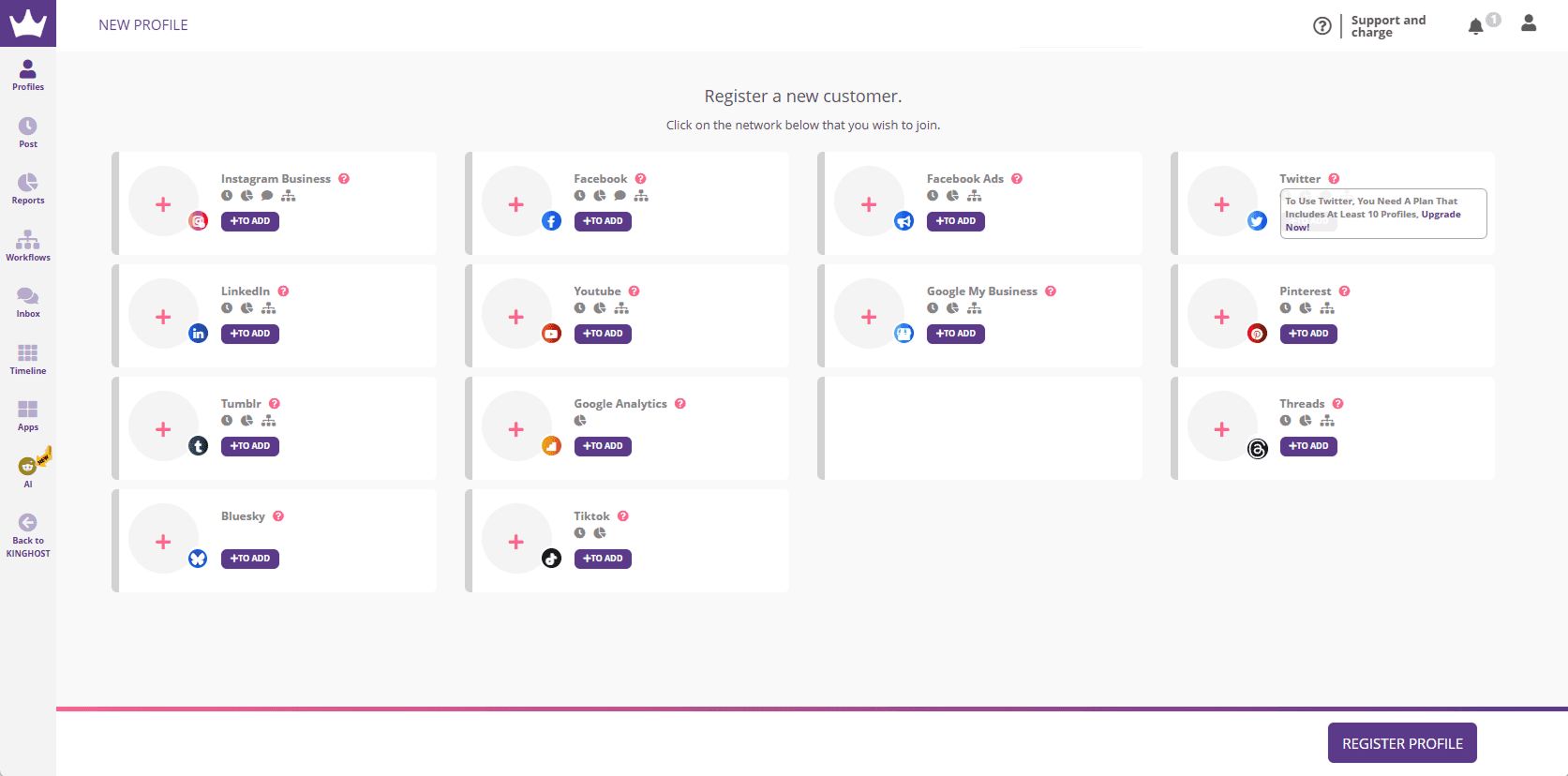
This was the very first screen users saw after entering the platform:
Now, a simple question:
Where would you click to add a social media account?
Take a moment to look at the interface.
Ideation
I led ideation sessions with Product and Engineering, prioritizing high-impact, low-complexity solutions.
MVP
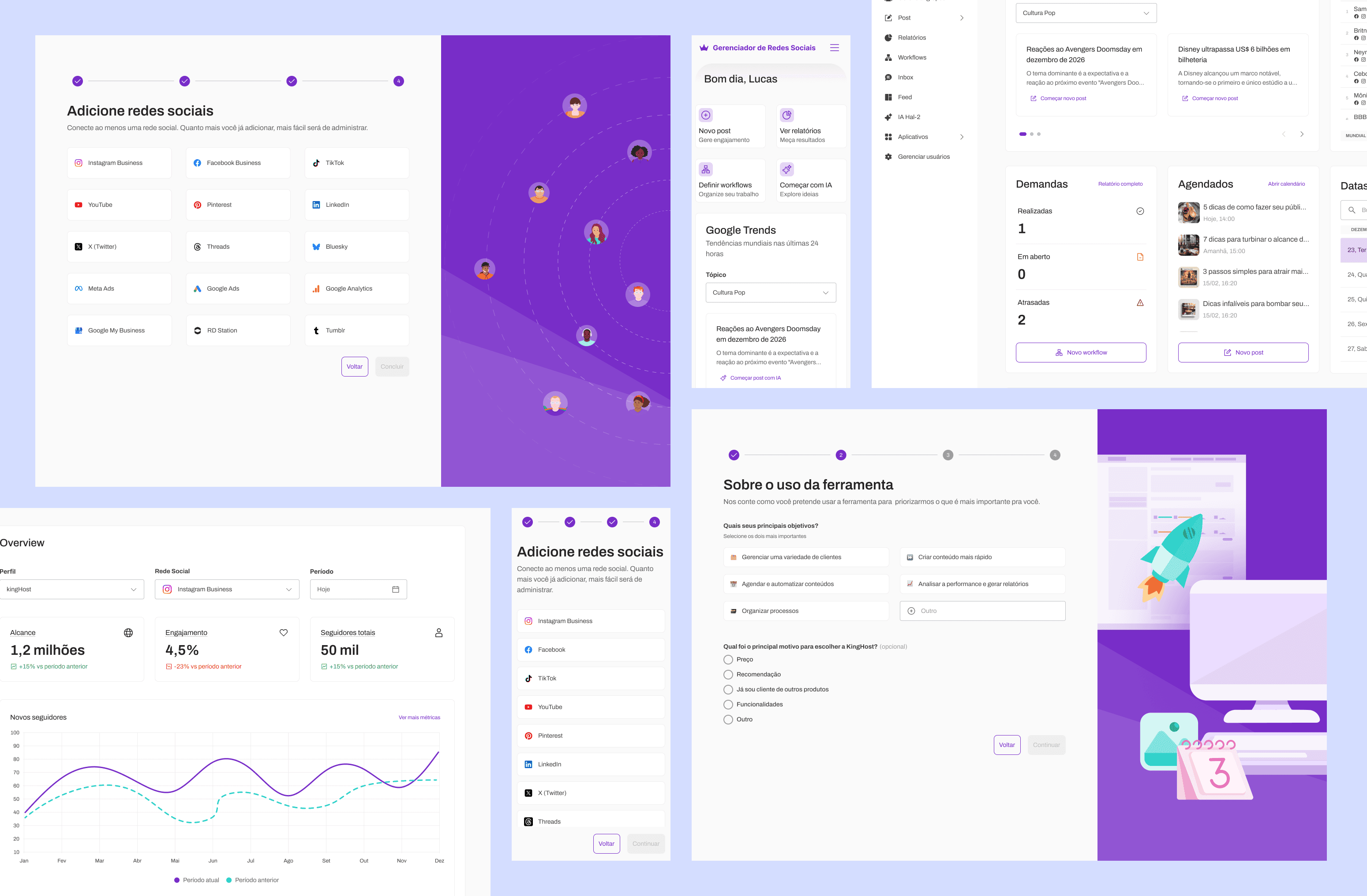
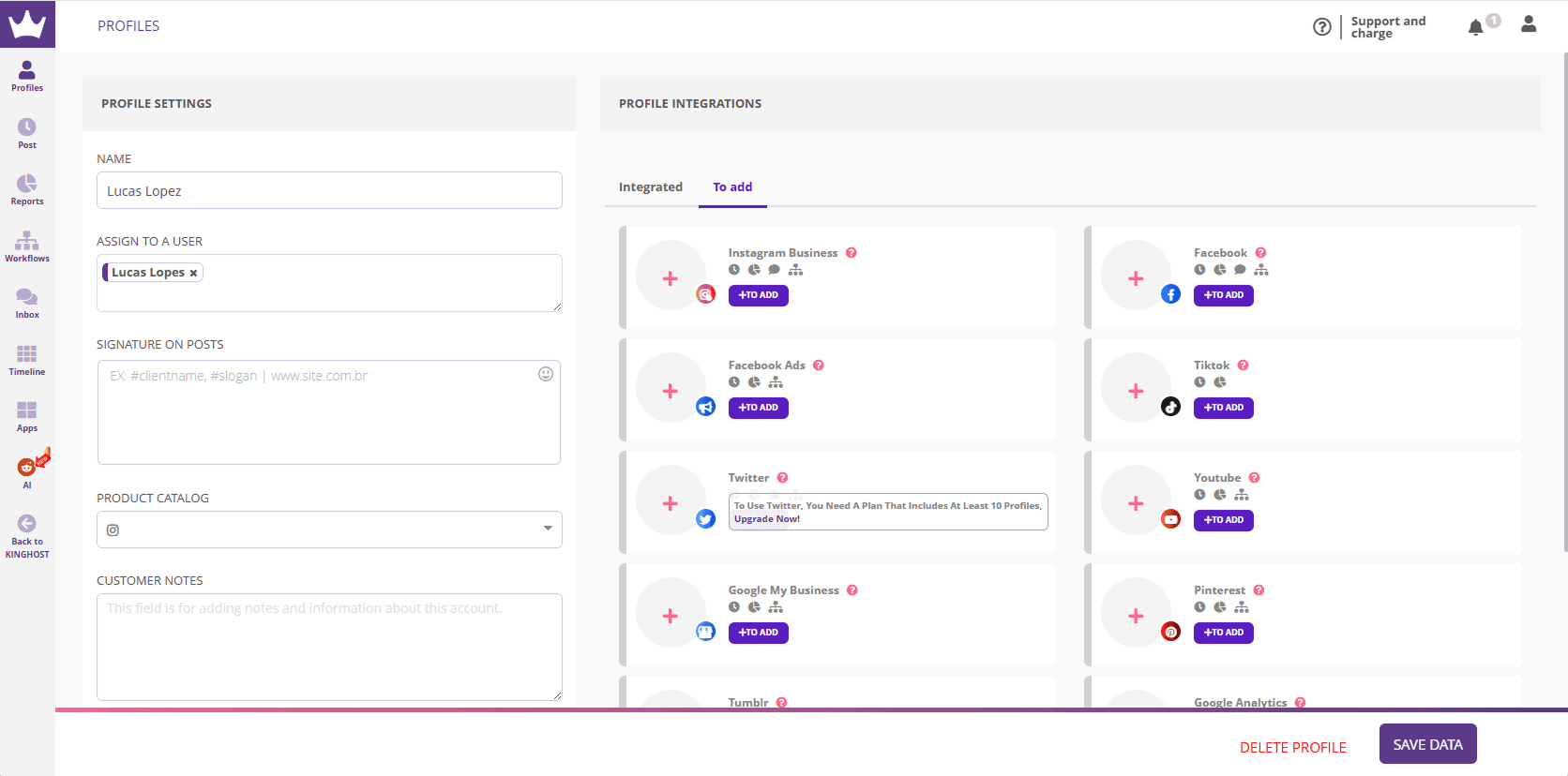
I redefined connecting a social media account as the primary goal of the onboarding experience.
Prioritized social media integration as the first and most prominent action
Reduced competing elements that could distract users
Structured the flow to make the next step immediately clear
See the comparison between before and after:
Implementation
Results
After implementing the new onboarding experience, we tracked key metrics related to activation and retention to evaluate the impact of the changes.
Activation: The primary goal was to increase the number of users who completed the first critical action: connecting a social media account.
Retention & Churn: As expected, improvements in activation had a direct impact on retention.
+28,58%
users connected at least one social account
-5%
in churn rate (first 30 days)
Next steps
While the new onboarding improved activation, the research also revealed broader opportunities across the product experience, especially in how users are guided after entering the platform.
Pre-Onboarding
Benchmarking showed that multiple competitors include a short survey before users enter the product, primarily to understand their profile and goals.
Introducing a lightweight pre-onboarding flow could allow the platform to:
Personalize the initial experience based on user context
Adapt content and recommendations to different user profiles
Reduce cognitive load by showing only relevant information
This would make the experience feel more tailored from the very beginning.
Homepage
Behavioral data revealed that most users rely heavily on the side menu, with limited interaction within the homepage itself.
This indicates that the homepage is not effectively guiding user behavior.
The opportunity is to reposition it as a central action hub, by:
Prioritizing actionable elements directly on the page
Reducing passive or purely informational components